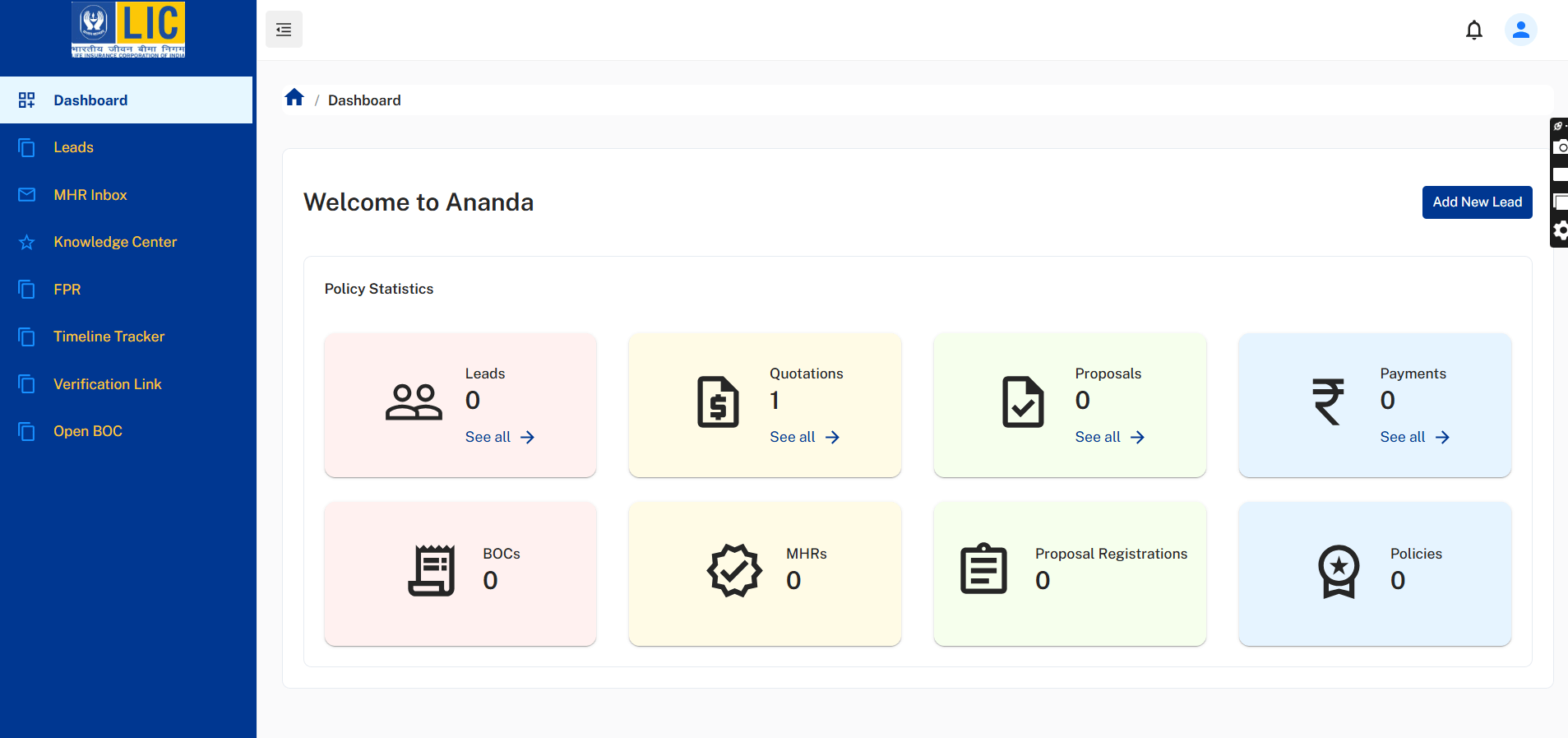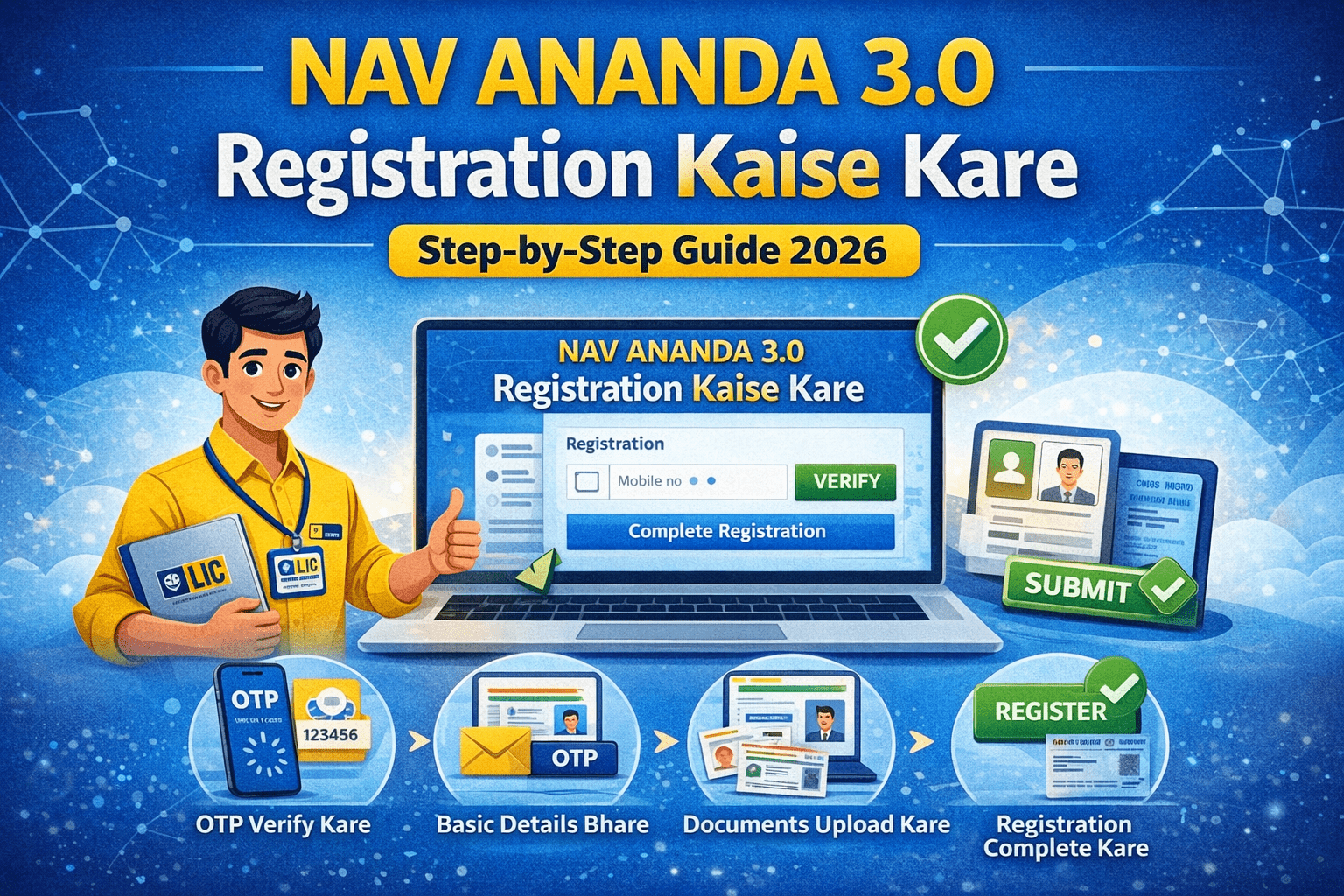




LIC ने जब से आनन्दा ३ .o लॉन्च किया है | एडवाइजर के लिए ऑनलइन पॉलिसी करना बहुत ही आसान होगया है | यह जरूरी नहीं हर किसी आसान काम में समस्या ना आये तो आज के इस आर्टिकल में हम आपको LIC Nav Ananda में आधिकारिक सहायता (LIC Nav Ananda Helpline Contact List) कैसे लेनी है | इसकी चर्चा हम आज करेंगे |
🔍 What is LIC NAV ANANDA 3.0?
LIC NAV ANANDA 3.0 एक नया वर्जन है LIC आनन्दा २ . ० का |
- Sell policies completely online
- Instant eKYC
- Verification at portal
- Complete eKYC instantly
- Use e-sign for documents
- Generate policies paperless
It is designed to improve speed, transparency, and customer experience.
🚀 Key Features of LIC NAV ANANDA 3.0
✅ 1. Paperless Policy Issuance
No physical forms required – everything is digital.
✅ 2. Instant eKYC Verification
Aadhaar-based verification makes onboarding quick.
✅ 3. e-Sign Integration
Customers and agents can sign digitally.
✅ 4. Faster Policy Processing
Reduced turnaround time for approvals.
✅ 5. Mobile-Friendly Platform
Works smoothly on smartphones and tablets.
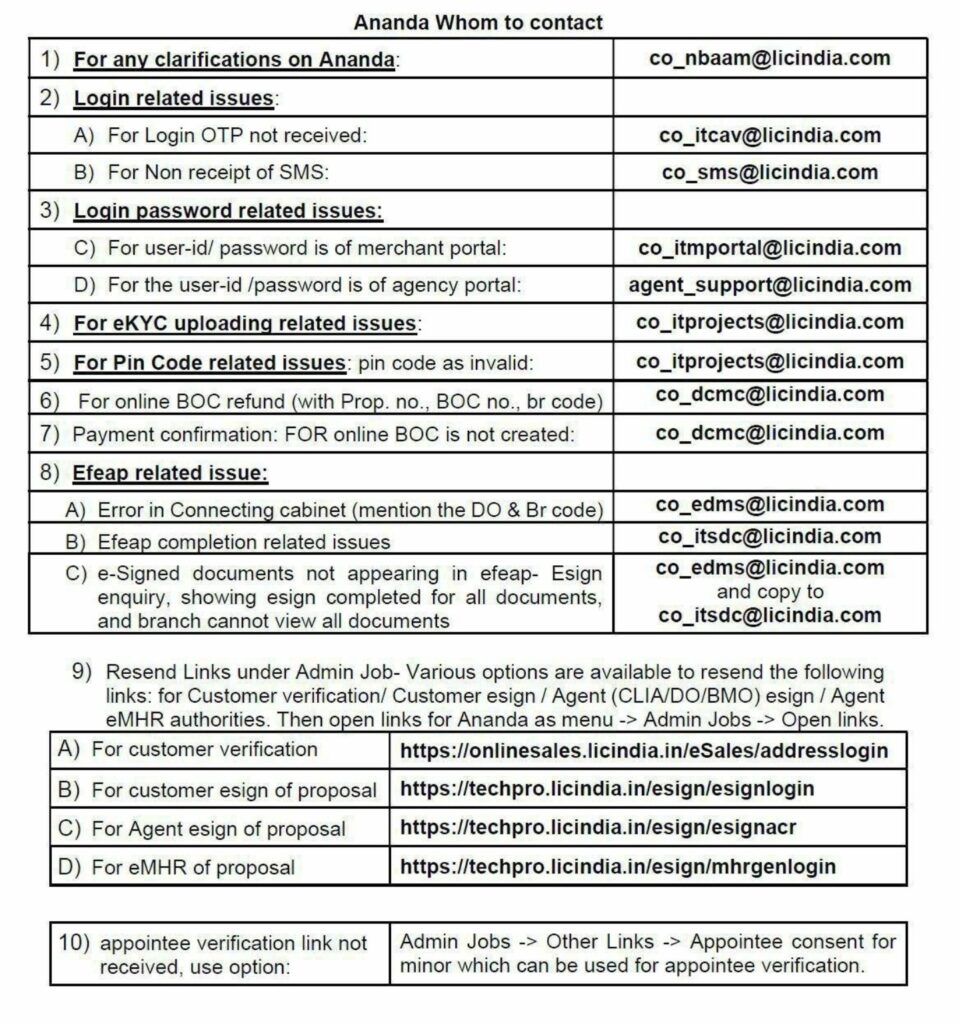
🔐 LIC NAV ANANDA 3.0 Login Issues & Solutions
Many users face login problems in LIC NAV ANANDA 3.0. Here are common issues and solutions:
🔸 OTP Not Received
📧 Contact: co_itcav@licindia.com
🔸 SMS Not Received
📧 Contact: co_sms@licindia.com
🔑 Password Issues in LIC NAV ANANDA 3.0
🔸 Merchant Portal Login Problem
🔸 Agency Portal Login Problem
📄 eKYC Issues in LIC NAV ANANDA 3.0
If your KYC is not uploading or failing:
📍 PIN Code Error in NAV ANANDA 3.0
If the system shows invalid PIN:
💳 Payment & BOC Issues
🔸 BOC Refund Issue
🔸 Payment Done but BOC Not Created
✍️ eSign / EFEAP Issues
🔸 Cabinet Connection Error
🔸 eSign Completion Issue
🔸 Signed Documents Not Visible
📧